
Work the curation catalogue
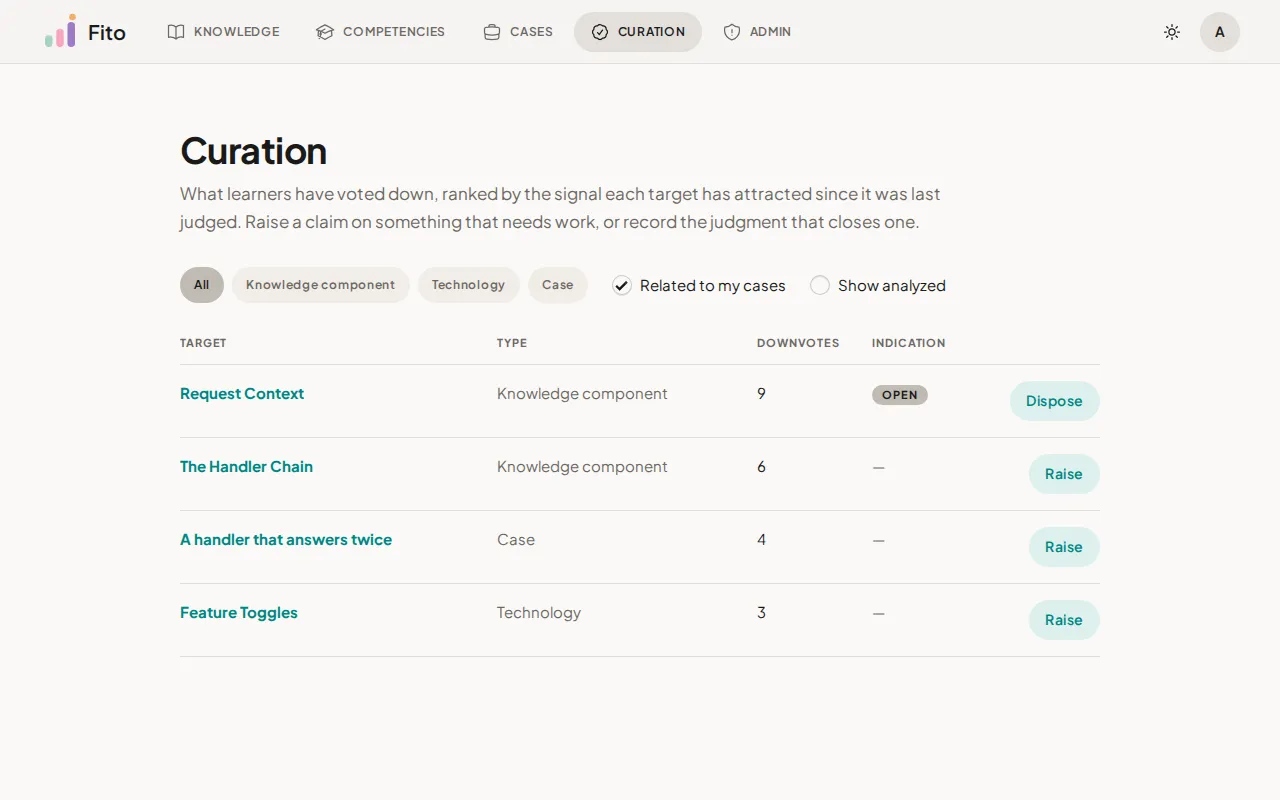
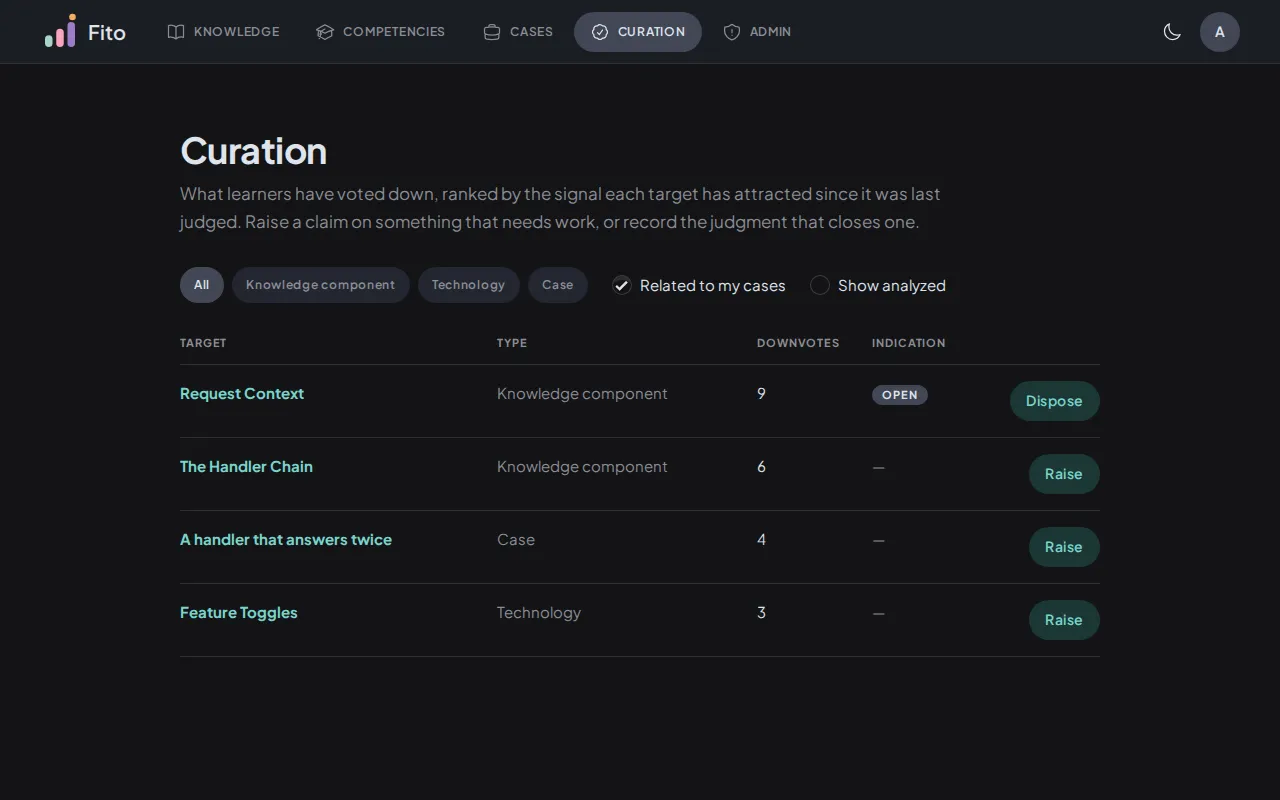
The curation catalogue is the case creator’s worklist. It holds the technologies, knowledge components and cases that learners have voted down, ranked by how much of that signal each one has attracted since it was last judged.
This page covers reading and filtering the queue. Acting on a row — raising a claim, or recording a judgment — is Triage indications on your case.
Before you begin
Section titled “Before you begin”- You own at least one case. Authority here is derived from ownership, not granted: the moment you own a case, in any status, the catalogue opens. See Publish a case.
There is no curator role to request, nothing to provision, and no first-user problem. If you have authored a case, you are a curator.
Open the queue
Section titled “Open the queue”Sign in to the web app and go to /curation.
A learner who has authored no case gets a refusal rather than an empty page:
Curation is the case creator’s surface: it opens once you have authored a case, and there is no separate role to request.
The refusal comes from the server, not from the browser. Arriving by typing the address gets the same answer as clicking a link would.
Read a row
Section titled “Read a row”One row per target. The columns are:
| Column | What it holds |
|---|---|
| Target | The thing being judged, linked to its own page. Plain text instead of a link where the row cannot address one. |
| Type | Technology, Knowledge component or Case. |
| Downvotes | The windowed count — see below. It is a plain numeral, with no colour and no bar. |
| Indication | The state of the claim standing on this target, as a pill, or — where nobody has raised one. |
| (last column) | The action this row offers: Raise or Dispose. |
The ranking counts recent signal, not all signal
Section titled “The ranking counts recent signal, not all signal”Downvotes is not the target’s lifetime total. It counts only the votes cast since the most recent judgment that is relevant to you.
That has one consequence worth holding on to: a target you settled last month comes back on its own if new downvotes arrive afterwards. The queue is about what needs attention now, not about what has ever been complained about.
A target nobody has judged yet has no window, so its count is all-time — and therefore at least 1, since a downvote is what put it in the queue.
The three pills
Section titled “The three pills”| Pill | What it means |
|---|---|
| Open | A creator claimed this needs work, and you have not recorded a judgment on it yet. |
| Resolved | You judged this corrected, naming the component that answers the claim. Other creators who reference the target still decide for themselves. |
| Won’t fix | You judged that nothing will change here. It is not final — the target returns to your queue on its own if new downvotes arrive after your judgment. |
All three are read for you. The same row can show Open to one creator and
Resolved to another, because a knowledge component’s judgment settles only for
the creator who made it.
Each pill carries its own explanation on hover, in the same words.
Filter the queue
Section titled “Filter the queue”Three controls sit above the table, and both checkbox defaults hide things. A short queue is often a filtered queue rather than a quiet platform.
-
Filter by type. Four chips: All (the default), Knowledge component, Technology, Case. One at a time.
-
Related to my cases — on by default. It narrows the queue to targets your own cases touch. Turn it off to see every target on the platform.
-
Show analyzed — off by default. Turn it on to also see targets you have already judged, whether resolved or won’t fix.
Every filter lives in the address bar. A narrowed queue is a link you can
reload, share or step back through with the browser’s Back button, and a bare
/curation is always the default working view.
What “related to my cases” reaches
Section titled “What “related to my cases” reaches”Three hops out from the cases you own:
- the cases themselves
- the knowledge components your cases reference
- the technologies those components belong to
So a component you built a case on shows up, and so does its technology, even though you authored neither.
Why “analyzed” and not “resolved”
Section titled “Why “analyzed” and not “resolved””The toggle reveals both settled verdicts. A won’t-fix row is analyzed too, and calling the toggle resolved would name only half of what it shows.
When the queue is empty
Section titled “When the queue is empty”Nothing is waiting. Targets appear here once a learner votes one down or a creator raises a claim — with these filters, none has.
Read the last clause before concluding the platform is quiet. Turning Related to my cases off is usually the next thing to try.
What’s next
Section titled “What’s next”- Triage indications on your case — raising a claim and recording a judgment on one.
- Vote on knowledge, technologies and cases — where the downvotes in this queue come from.
- Correct or retire a published case — what you do once you agree a case of yours needs work.