
Find a case to work on
Fito’s catalogue is public. You can browse it, read any case cover and see how much activity a case has had without an account. Signing in adds one thing: the cover starts telling you whether you are ready for that case.
Start at the home page
Section titled “Start at the home page”The home page at / carries a short account of what Fito is, a How it works
section in three steps — solve real cases, get assessed, grow your fluency — and
the six most recently published cases.
That is enough to pick a first case. For anything narrower, go to the catalogue.
Search and filter the catalogue
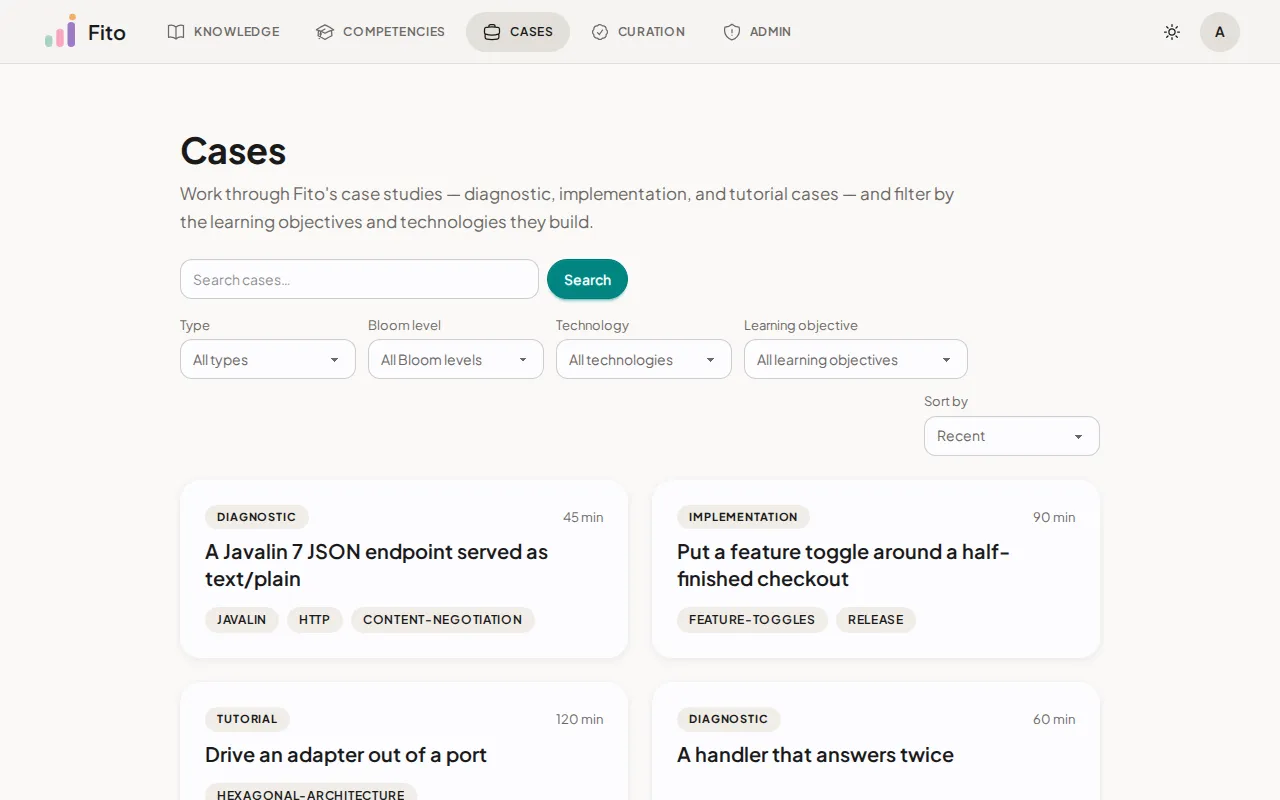
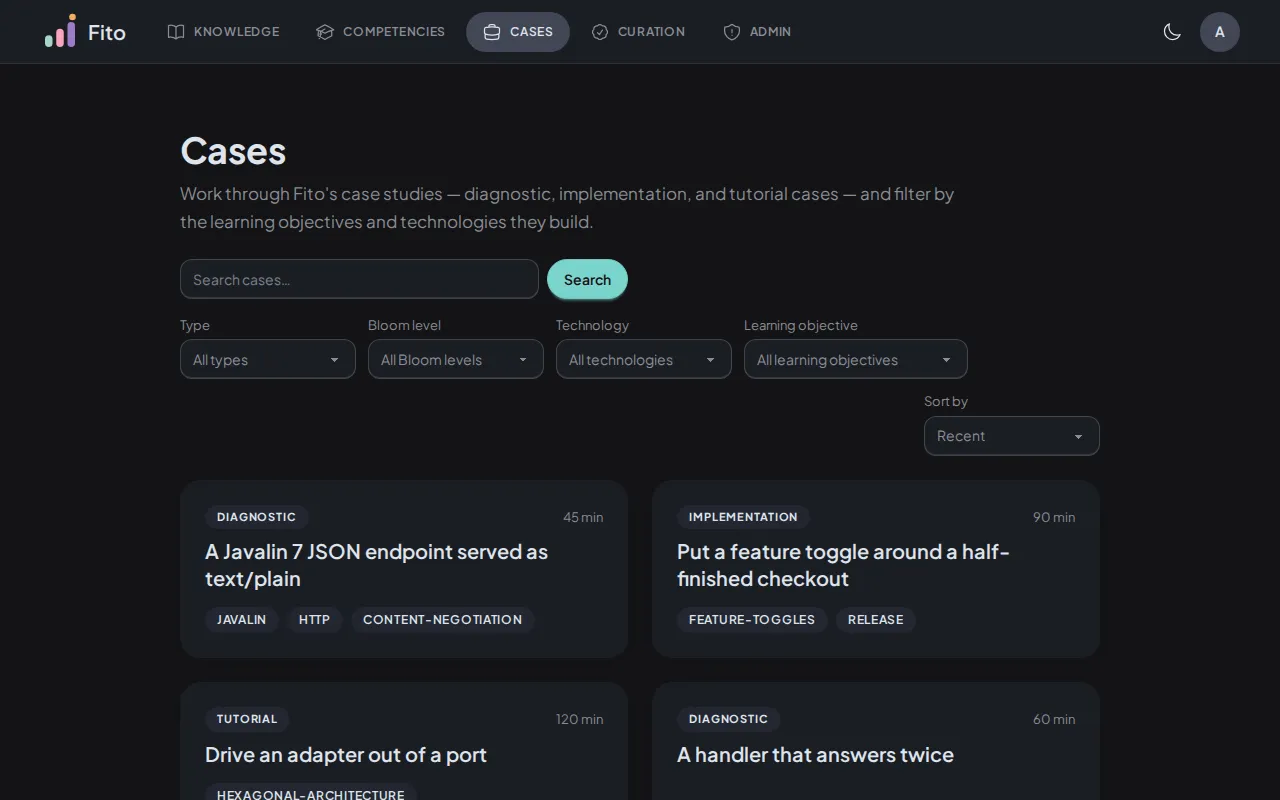
Section titled “Search and filter the catalogue”Open /cases. The full catalogue lives there, with a search box and four
filters.
-
Search by words in the case. The search box matches the case’s text, not only its title.
-
Narrow with the filters:
Filter Values Type Diagnostic · Implementation · Tutorial Bloom level Knowledge · Comprehension · Application Technology Any technology in the Knowledge area Learning objective Any knowledge component a case declares it teaches -
Sort by Recent (the default) or by Title.
Every filter, the sort and the page number live in the URL. A view you have narrowed down is a link you can share or bookmark, and the browser’s Back button walks your filters rather than jumping you off the page.
Confirm you are reading the right thing: the result count above the list changes as you add filters.
Read a case cover
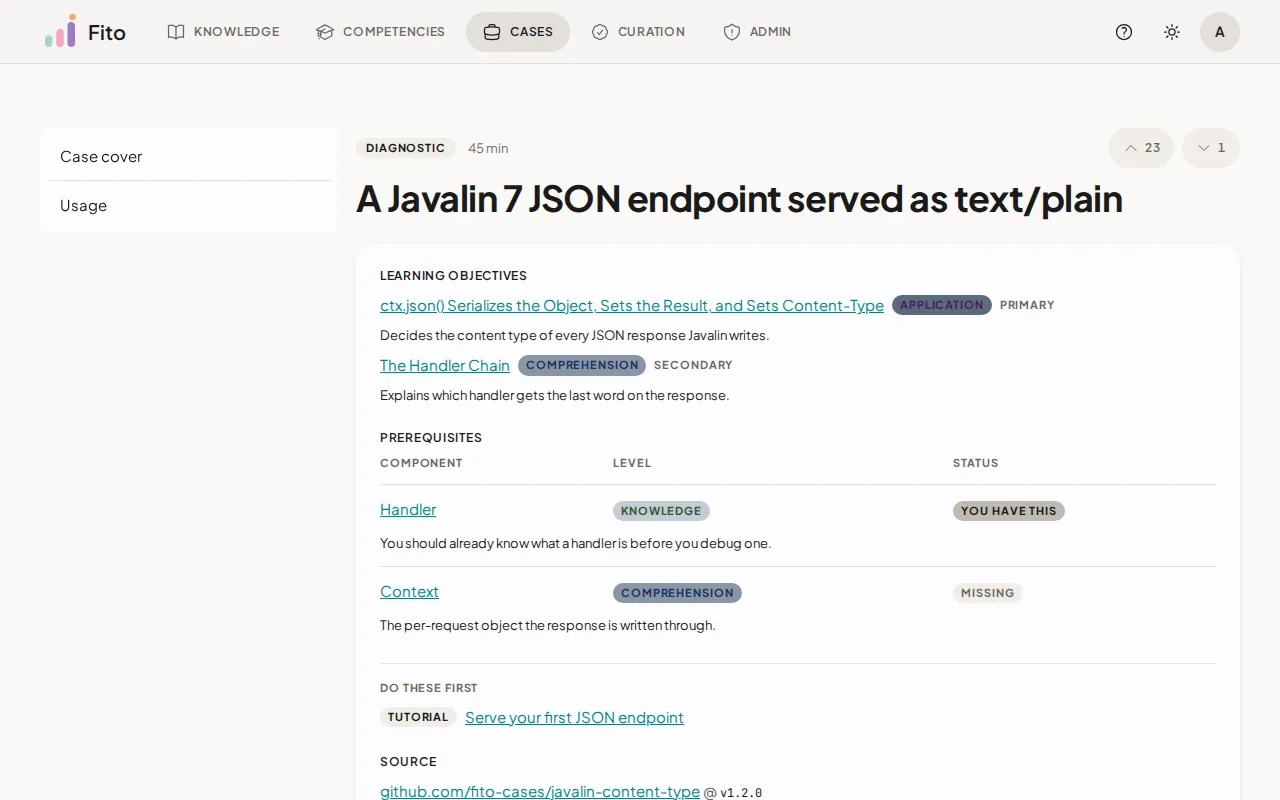
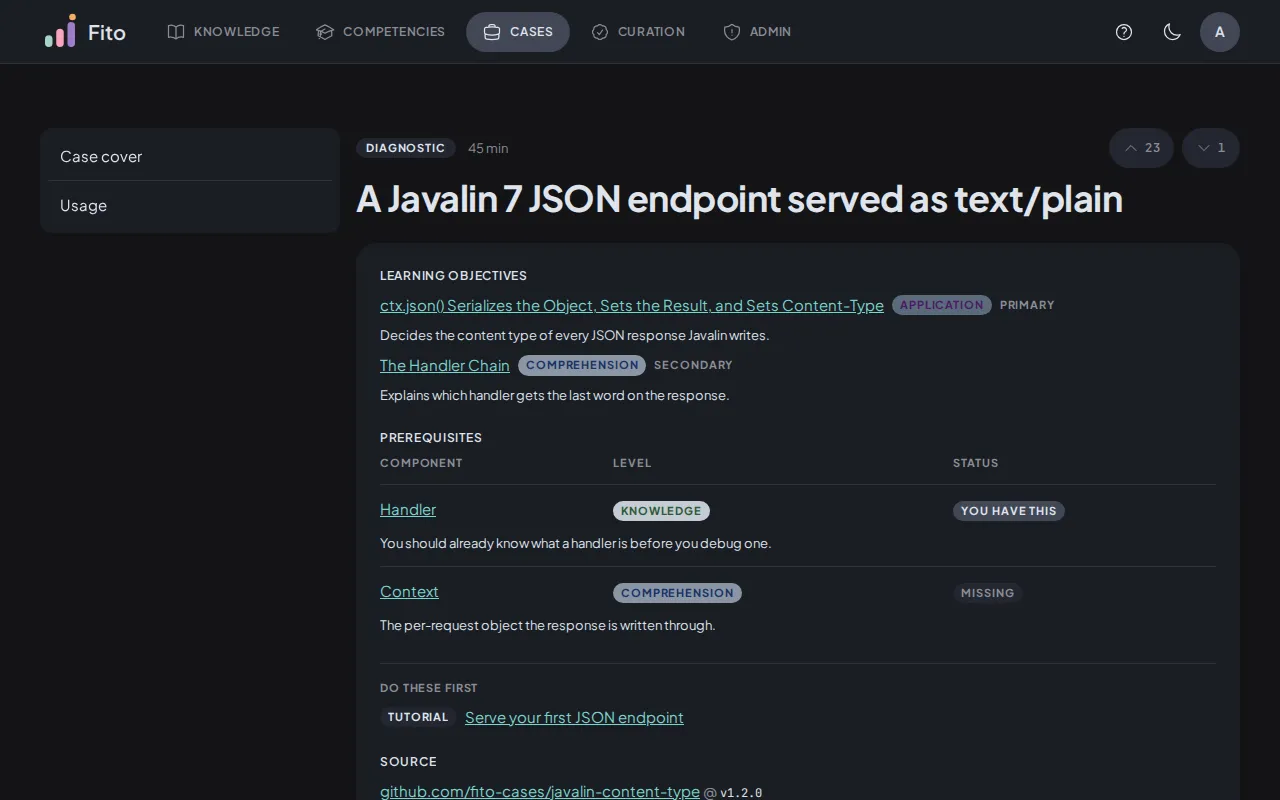
Section titled “Read a case cover”Open any case to reach its cover at /cases/<id>. It carries:
- the title, the type, the estimated duration and the overview
- Learning objectives — the knowledge components this case develops, each with the Bloom level it targets
- Prerequisites — the components it expects you to arrive with
- the rubric criteria it will score you on
- the launch command for opening it in your terminal, with a copy button
- Usage — how much activity the case has had
The id in that URL is the id every terminal command takes. Cases have no short name, so copy it from here.
Check whether you are ready
Section titled “Check whether you are ready”Sign in, and each prerequisite gains a badge: You have this or Missing. The badge is computed from your own recorded proficiency, and it is yours alone — signed-out visitors see the prerequisites with no badges at all.
A higher proficiency meets a lower target. A worked example from a real case:
| Prerequisite | Case asks for | You hold | Badge |
|---|---|---|---|
concept:javalin.handler |
KNOWLEDGE |
APPLICATION |
You have this |
concept:javalin.context |
COMPREHENSION |
NOT_ACHIEVED |
Missing |
APPLICATION is above KNOWLEDGE, so the first is met. NOT_ACHIEVED means
assessed without meeting the criterion, and it meets no target at all — so the
second is missing even though you have been assessed on it.
The check follows a component’s version chain, so proficiency you earned against an earlier revision of a component still counts.
Do these first
Section titled “Do these first”Under the prerequisites, a Do these first block lists published cases that teach the prerequisites you are missing, in order. It is capped at ten.
Signed out, the block still appears, but it covers every prerequisite the case declares rather than your own gaps — because nobody has told it who you are.
Read the usage figures
Section titled “Read the usage figures”Every cover carries four public figures about the case:
| Tile | What it counts |
|---|---|
| Opens | How many times the case has been opened |
| Submissions | How many submissions it has received |
| Completion rate | The share of people who opened it and went on to submit |
| Median time to submit | How long it typically takes, from open to submit |
Beneath them, a chart plots opens and submissions over the last 26 weeks.
The first two tiles count acts and the completion rate counts people, so they do not divide into each other. The tiles cover the case’s whole life while the chart covers 26 weeks, so a tile can legitimately exceed the columns you can see.
What’s next
Section titled “What’s next”- Open and work a case — fork the case you picked and get briefed.
- Bloom levels and proficiency — what the prerequisite badges are computed from.
- Browse the knowledge area — read up on a component before you meet it in a case.